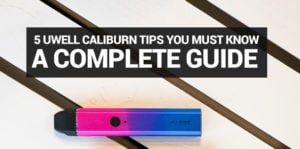
In this article we will focus on a few tips every Caliburn owner should know. I will add an index table just below this paragraph, so you can skip to specific tips!
- How to attach the pod
- How to fix Dry Hits
- Refilling the Pod
- Using the button
- Cleaning
- Bonus Tip
- Best Juices
- Which Caliburn do I have?
- G3, G4 and G5: what’s different
So you finally got your hands on what seems to be the most popular open pod system on the market today, the Uwell Caliburn. Look, this is definitely the best selling pod vape on the market so far, and for many good reasons.
We won’t be getting into those reasons in this article, as the very reason you have this sexy pod system is probably because you’ve spent the better part of your day watching reviews and stuff.
We’ve had quite a few people come back to us thinking their Caliburn is broken! So we’re going to clear some things up.
On to the guide, shall we?
The tips below apply for all of the following Caliburn Devices:
- Caliburn A2
- Caliburn A2S
- Caliburn AK2
- Caliburn G
- Caliburn G2
- Caliburn GK2
Using something newer? Good news, these are still your tips. Uwell kept the core mechanics the same across the G-series, so everything below carries over to:
- Caliburn G3
- Caliburn G4
- Caliburn G5
Not sure which one you’re holding? Jump to Which Caliburn do I have?, a couple of things do work differently once you’re on a screen instead of a button.
Which Caliburn do you have?
Uwell’s naming gets confusing fast, so here’s the short version. The G3, G4 and G5 are one family. They all use the same G Pod Platform, or GPP, pod and the same magnetic connection, so a pod that fits your G3 will seat and fire just fine in a G4 or a G5. Upgrading doesn’t mean starting your pod collection over.
The older devices, the original Caliburn, A2, AK2, G and G2, run on an earlier, separate pod design that does not interchange with GPP. If you’re on one of those, stick to the pods made for that specific model, a G3-era pod simply will not fit.
One more thing worth knowing before you go hunting for a fire button. Not every device in the G3 to G5 family fires the same way. Some are draw only, some let you draw or press a button, and a couple keep a button that does everything except fire. We break that down next.
How to attach the pod, properly
Hey so I filled this up, removed the plastic, clicked the button 5 times but it's not vaping! Why?!
John Doe Tweet
This is fairly common, however it’s usually the same solution everytime. The Caliburn uses a two step latching system.
The pod is pulled in by two magnets, but still requires an extra click to fully snap it in place.
- Put the pod in the device
- Push the pod in until you hear/feel a click
This works exactly the same way on the G3, G4 and G5, same magnets, same click.
How your Caliburn fires: button, draw or both?
Everything about priming, refilling and cleaning below works the same no matter which device in the G3 to G5 family you're holding. The one thing that actually changes is how you fire it, and it comes down to the exact model, not just the generation.
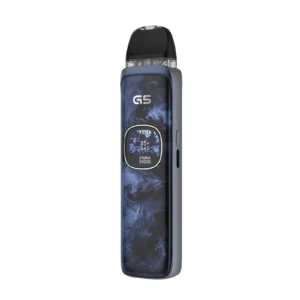
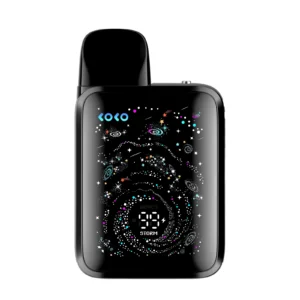
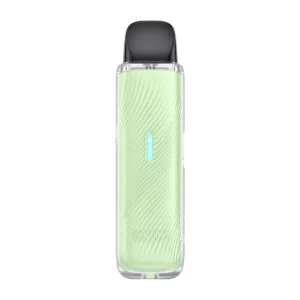
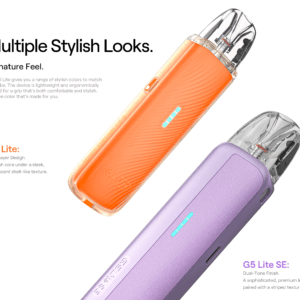
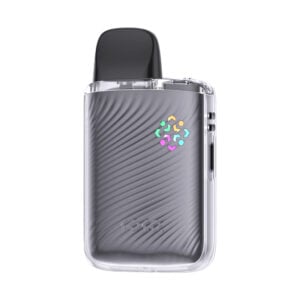
If your device has no screen at all, that's your answer right there. The Lite and Mini versions, think G3 Lite, G4 Mini, G5 Lite and G5 Lite KOKO, are draw only. Nothing to check, nothing to press, just pull and go.
Got a screen? Now it depends. The base G3, the G3 Pro and the base G4 will fire either way, so take a drag or hit the button, whichever you're used to. The G4 Pro and the G5 kept the button, but it's not there to fire the device anymore. It's strictly for powering on and clicking through the menu. Both of these are draw only when it comes to actually vaping, so if you're pressing that button hoping for a hit, that's your problem right there. Take a drag instead, and if it's still not firing, check the screen for a warning before anything else.
Still not sure which one's in your hand? No screen means you're draw only, easy. If you've got a screen, try a drag first. Getting vapor with the button doing nothing but powering things on? You're on a G4 Pro or a G5. If the button fires it too, you're on a G3, G3 Pro or base G4. Here's the quick version if you'd rather just look it up:
| Device | Screen | Button | Fires by |
|---|---|---|---|
| G3 Lite, G4 Mini, G5 Lite, G5 Lite KOKO | No | No | Draw only |
| Base G3, G3 Pro, base G4 | Yes | Yes, fires the device | Draw or button |
| G4 Pro, G5 | Yes | Yes, power and menu only | Draw only |
How to fix Dry Hits on the Caliburn
Caliburn has one of the longest life spans when it comes to pods. I am a heavy vaper, and I own many pod systems. These super pods last me around 13 days!
Nevertheless, I do get an occasional dry hit some time during my second week.
There are three ways you can extend the life of the pods.
- Prime the Pod
Simply fill the pod with e-liquid and let it sit for 3 – 5 minutes and allow the coil to absorb the e-liquid naturally.
- Force Prime
Apply a few drops in to the center chimney – let it sit and absorb that juicy goodness!
- Primer Puff
Pull out the pod, cover the bottom with your finger, pucker your lips and take some puffs.
When to refill the pod
This is another simple tip, however we have met a few people that vaped their pods dry.
Don’t vape your pods dry!
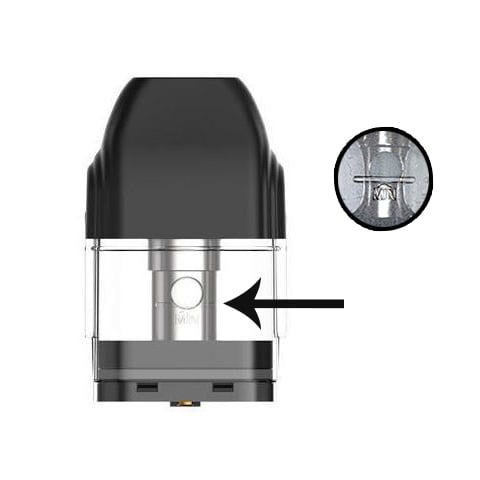
- Check the e-juice level – Either by looking through the side windows or by removing the pod
- Make sure your liquid is above the engraved “MIN” line, which is just below the wicking port
General rule of thumb is to refill your pod when you notice it’s half empty.
Using the button to activate
This tip only applies to the original Caliburn Device, Caliburn A2 and Caliburn G as they can be operated using the button.
Newer device with a screen and no fire button in sight? You’re likely on a G4 Pro or a G5, both fire by draw only. Head to How your Caliburn fires to see exactly which group your device falls into and what to check instead.
Aside from the Caliburn being a draw activated device, it also features manual firing using a button! You know, in case your sensor craps out, usually due to flooding.
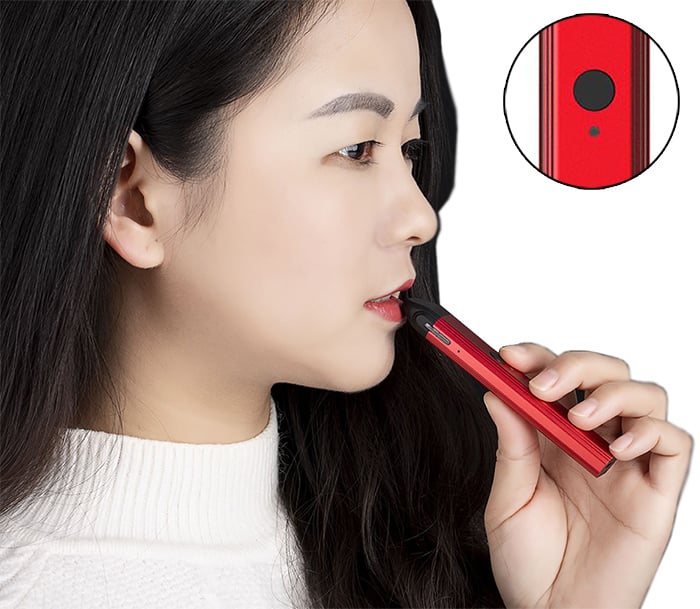
Simply press and hold the button while inhaling. Release the button when done!
How to clean the Caliburn
Sometimes you are trying to take a drag and notice that you are not getting any vapor. Don’t worry, theres probably a fix for that!
Usually when your Caliburn is not producing any vapor – wether you are just inhaling or using the button, it is most likely flooded.
Remove the pod, and use a cotton swab to gently clean the bottom of the surface.
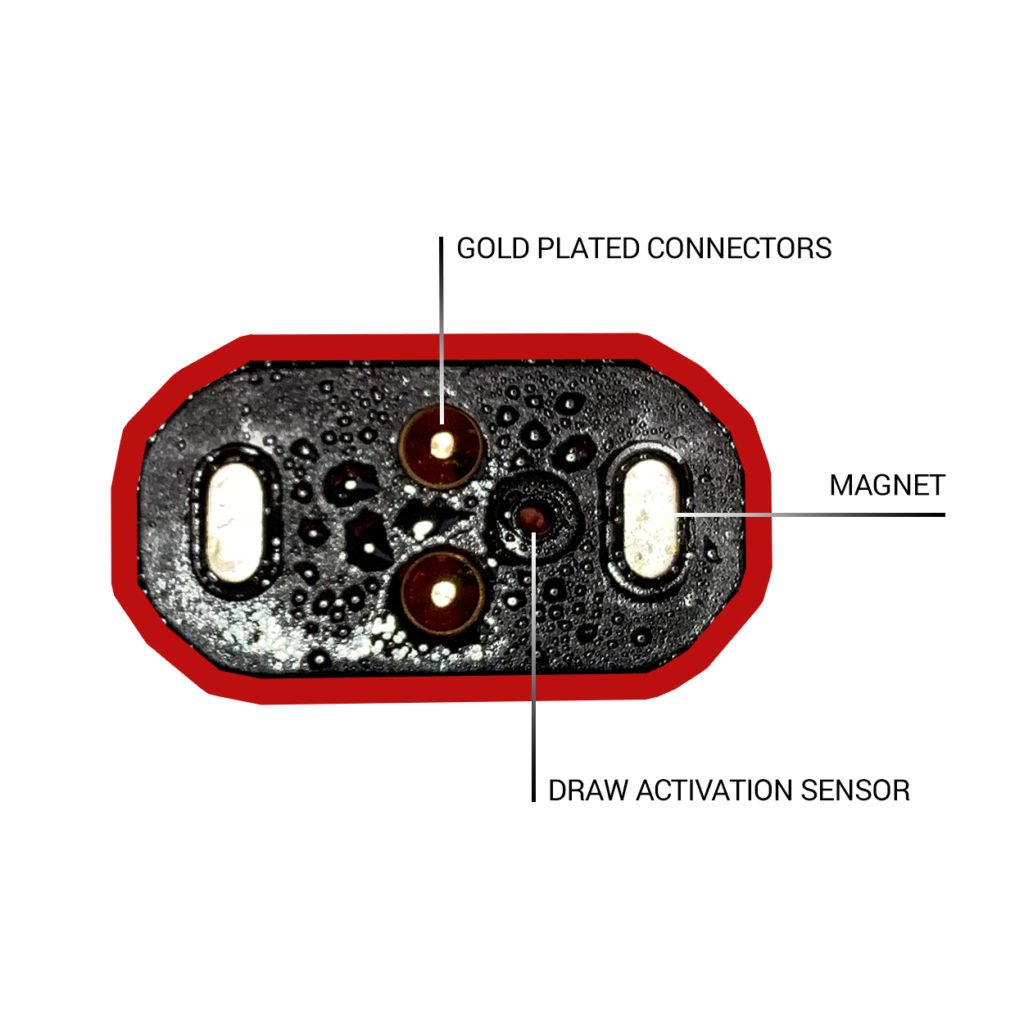
This will absorb the excess e-juice that may be blocking the draw sensor, and most likely solve the “no firing” issue.
If you still get no vapor when taking a draw without pressing the button, you may have damaged the sensor. You’re in luck though, as you can use the button to activate!
Same fix on the G3, G4 and G5, they use the same connector, so a flooded sensor gets cleared the same way.
Also, if you want to avoid flooding and leaks, take the pod off of the device before refilling it.
Cracked Pod
If you drop your Caliburn, there is a possibility that the pod can crack. If this happens you will notice that the pod may start leaking e-liquid. It is important to get rid of any excess liquid by following the method above.
You should also replace your pod if it’s cracked.
Bonus Tip
If the above methods are not enough to rid of the excess e-juice, you may have e-liquid inside the body of the Caliburn.
- Remove the pod from the device
- Wrap a piece of paper towel around the bottom part of the device (USB Port)
- Cover the bottom part of the Caliburn with your mouth
- Gently blow into the port
*Make sure that your pod is not attached, as this method will trigger the auto-draw sensor.
Best Juices for Caliburn
One of the great things about the Caliburn is the pod and the coil that sits inside of it. The nice large wicking slots allow the Caliburn to handle majority of e-juices. In our tests we found that Nicotine Salts work best as they contain more PG (Propylene Glycol) and less VG (Vegetable Glycerin) than standard free base e-liquids. This formulation is less dense and allows for easier wicking.
I would recommend to stay away from extremely sweet e-liquids, as those tend to gunk up the coil fairly quick. Also don’t try putting anything above 80%+ Vegetable Glycerin, that is way too thick and your pod won’t last! If you prefer free base e-liquids, stick to 30%PG/70%VG.
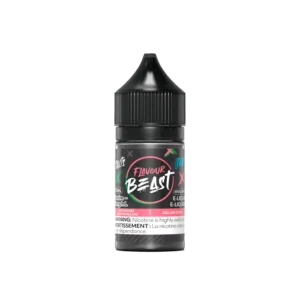
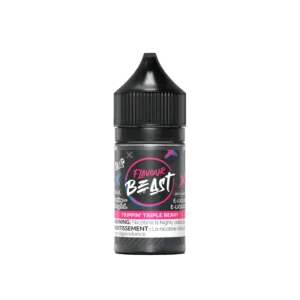
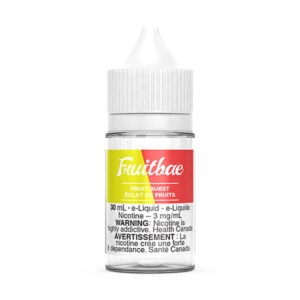
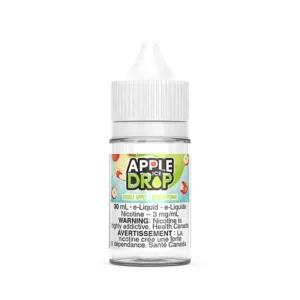
We tested an insane amount of free base and salt nicotine e-liquids with the Caliburn, here is our picks of the ones that perform best.
Best Nicotine Salts for Caliburn
-

-
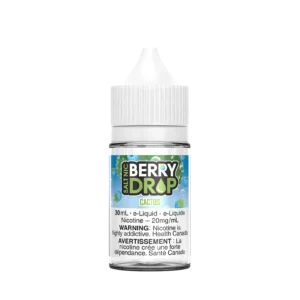
Cactus SALT – Berry Drop Salt E-Liquid
- CA$25.95 – CA$39.95Price range: CA$25.95 through CA$39.95
- Rated 5.00 out of 5
-
Best free base e-juice for Caliburn
-
-
Burst – Fruitbae E-Liquid
- CA$19.49
-
Hopefully this simple guide was helpful to you wether you just got your Caliburn, or have been enjoying it for the past little while! If you came across this page and you don’t have this awesome pod system yet, I will do you a big favor, check it out below!
-
-
Uwell Caliburn G5 Pod Kit
- CA$39.95
- Rated 5.00 out of 5
-
-
-
Uwell Caliburn G5 Koko Pod Kit
- CA$21.50
-
-
-
Uwell G5 Lite Pod Kit
- CA$17.49
- Rated 5.00 out of 5
-
-
-
Uwell G5 Lite Koko Pod Kit
- CA$21.49
-